 Phone Webcam
The old iPhone in your drawer beats your laptop camera.
Phone Webcam turns the phone into a camera for your computer. Plug it in with a cable and pick Phone Webcam in Zoom, Teams, Meet or OBS.
Not released yet.The iPhone app is on its way to the App Store. The Mac app will be downloadable from this page the same day.
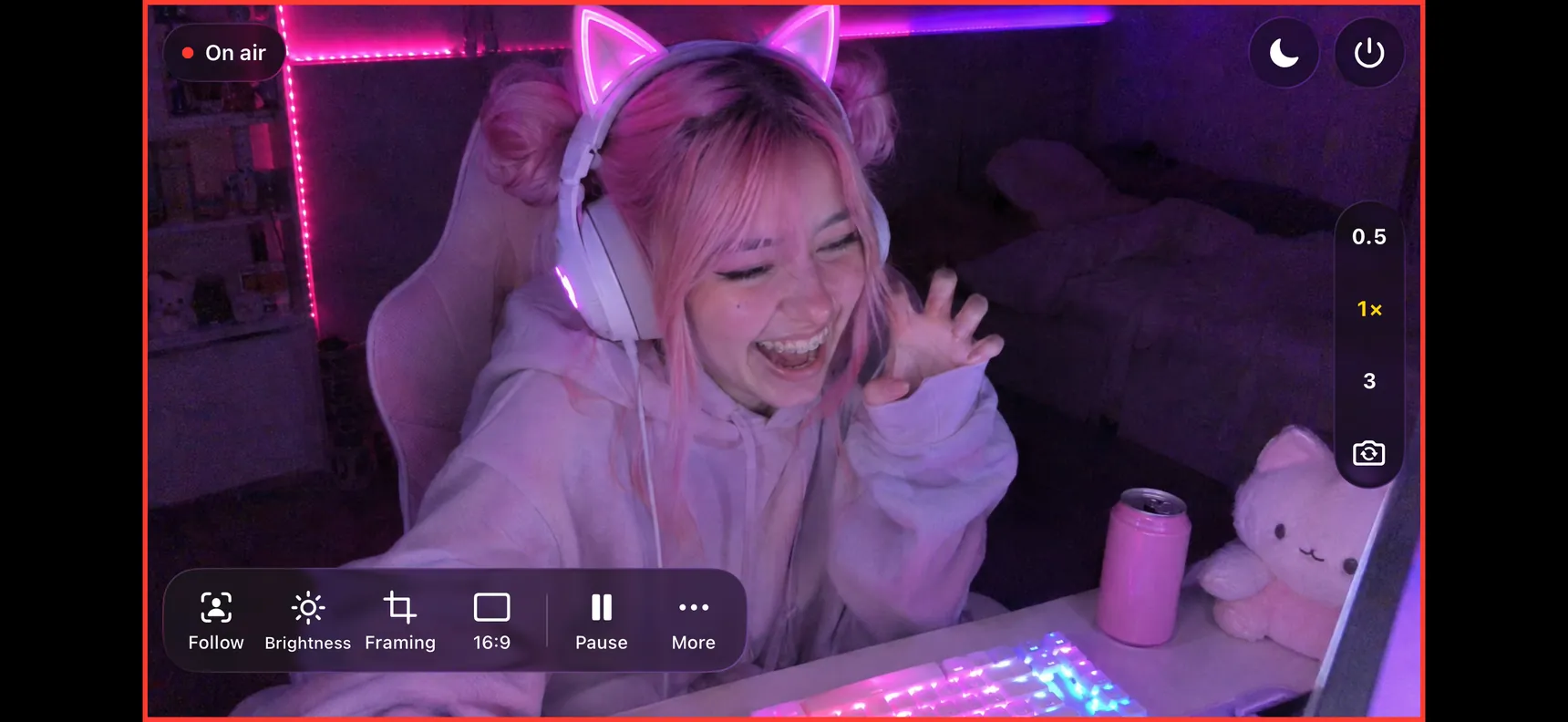
It shows up as an ordinary camera in Zoom, Microsoft Teams, Google Meet, FaceTime, Discord, Telegram, OBS Studio, Twitch and YouTube. Anything that can open a camera can open this one.
What people point it at
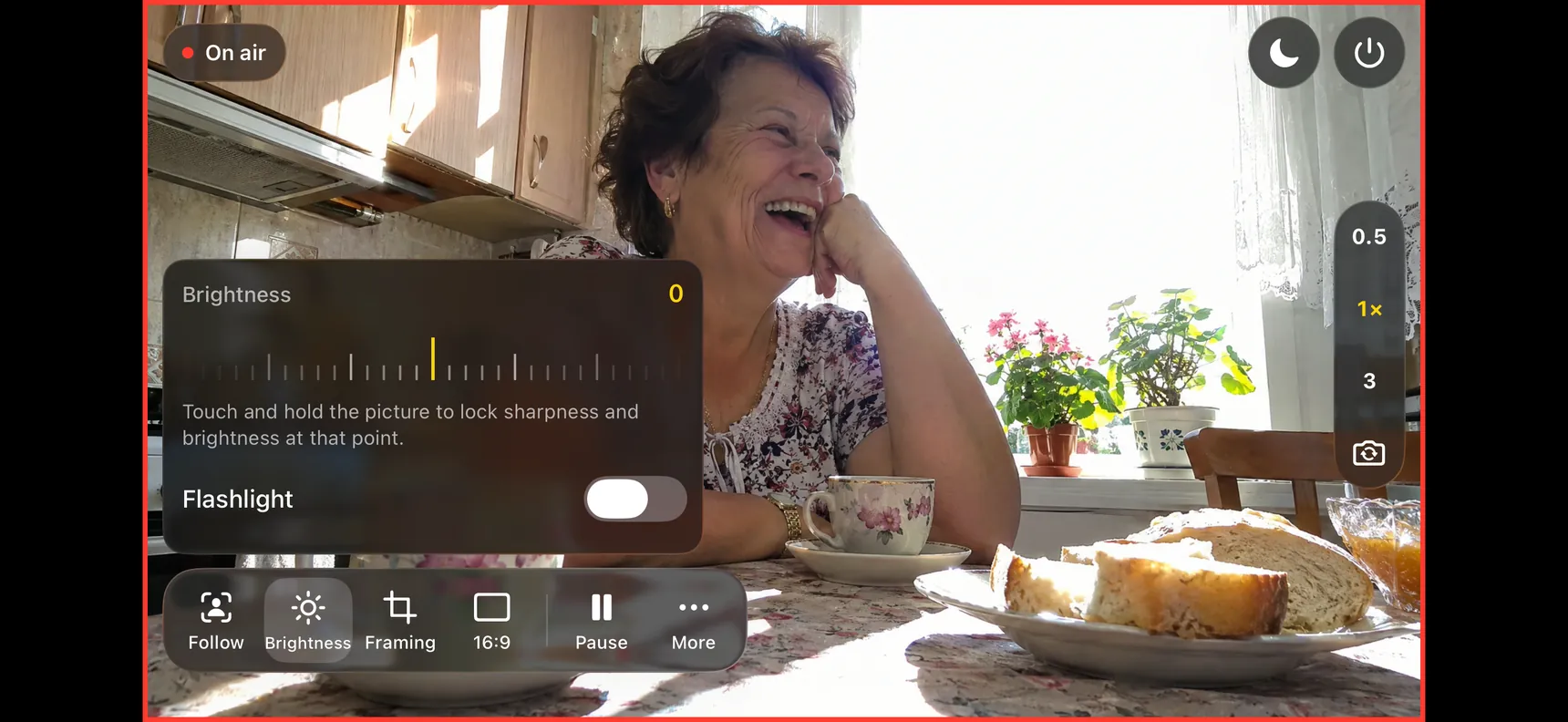
A call where your face is visible
A phone camera copes with a bright window behind you. When it does not, brightness is one slider, on the phone or from the Mac.
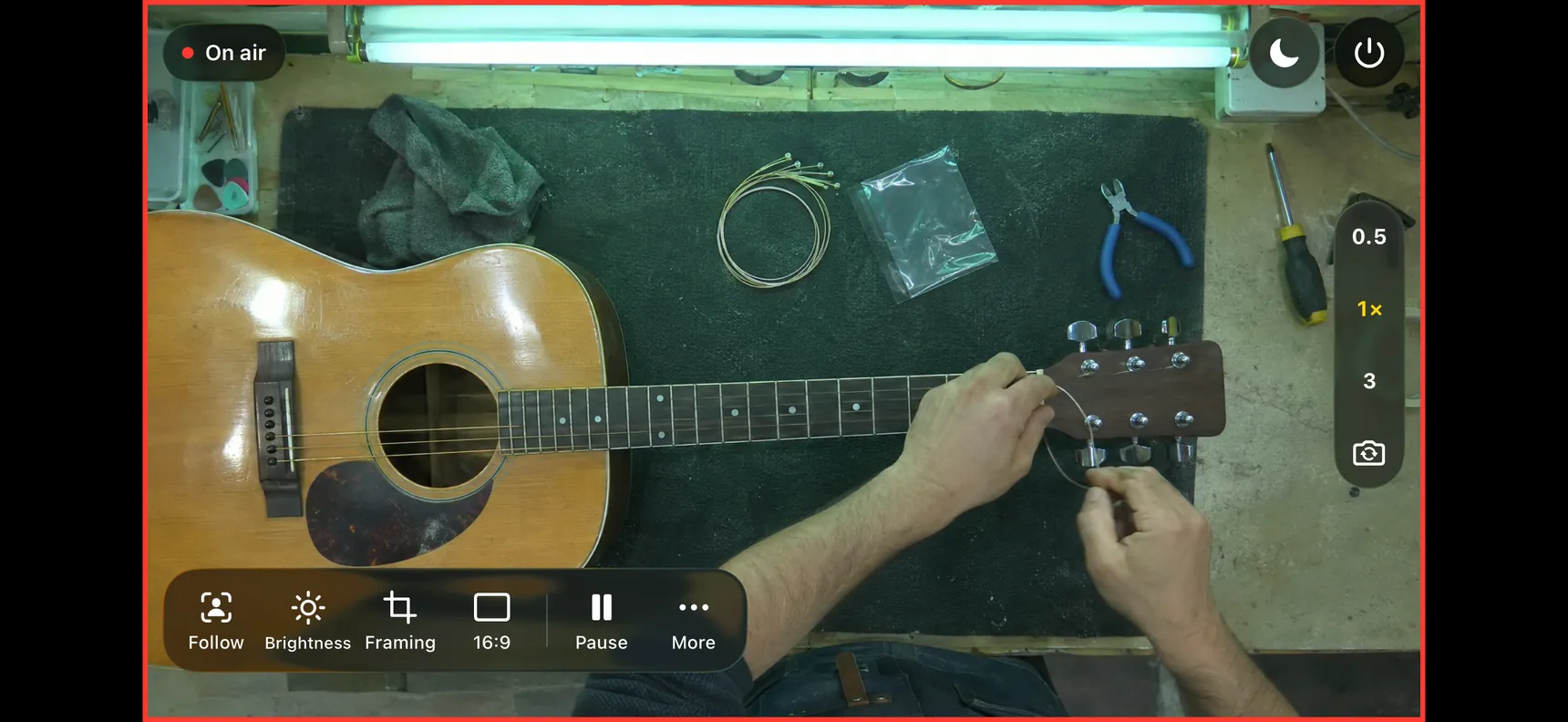
An overhead camera for the desk
Clamp the phone above the table and show your hands: a repair, a drawing, a guitar. The rear camera does the work and the screen faces away from you, so you run it from the computer.
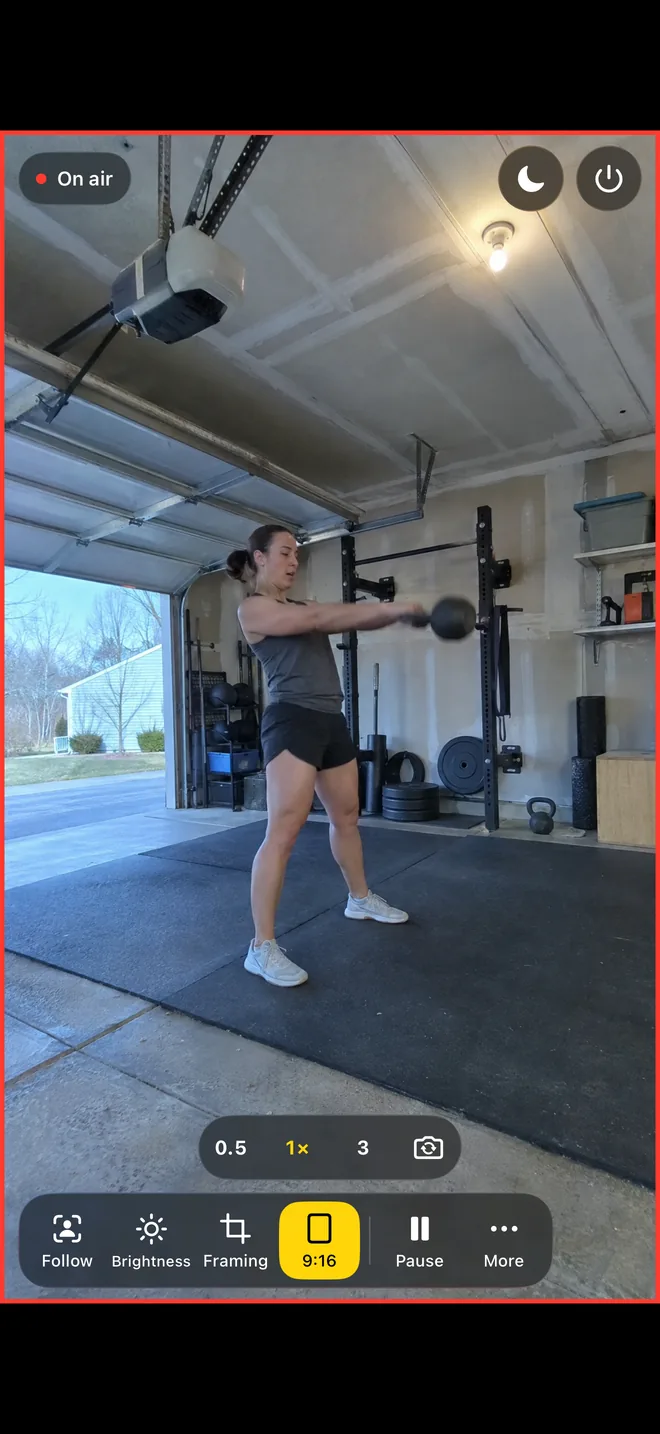
Vertical 9:16 for streams and short videos PRO
Turn the phone upright and the computer gets a vertical picture. Ultra wide fits a whole garage into the frame.
The scenes in these pictures are staged. The interface on top of them is the real app.
Three steps on a Mac
- Install Phone Webcam on the MacmacOS asks once to allow the camera extension: System Settings, General, Login Items & Extensions, Camera Extensions.
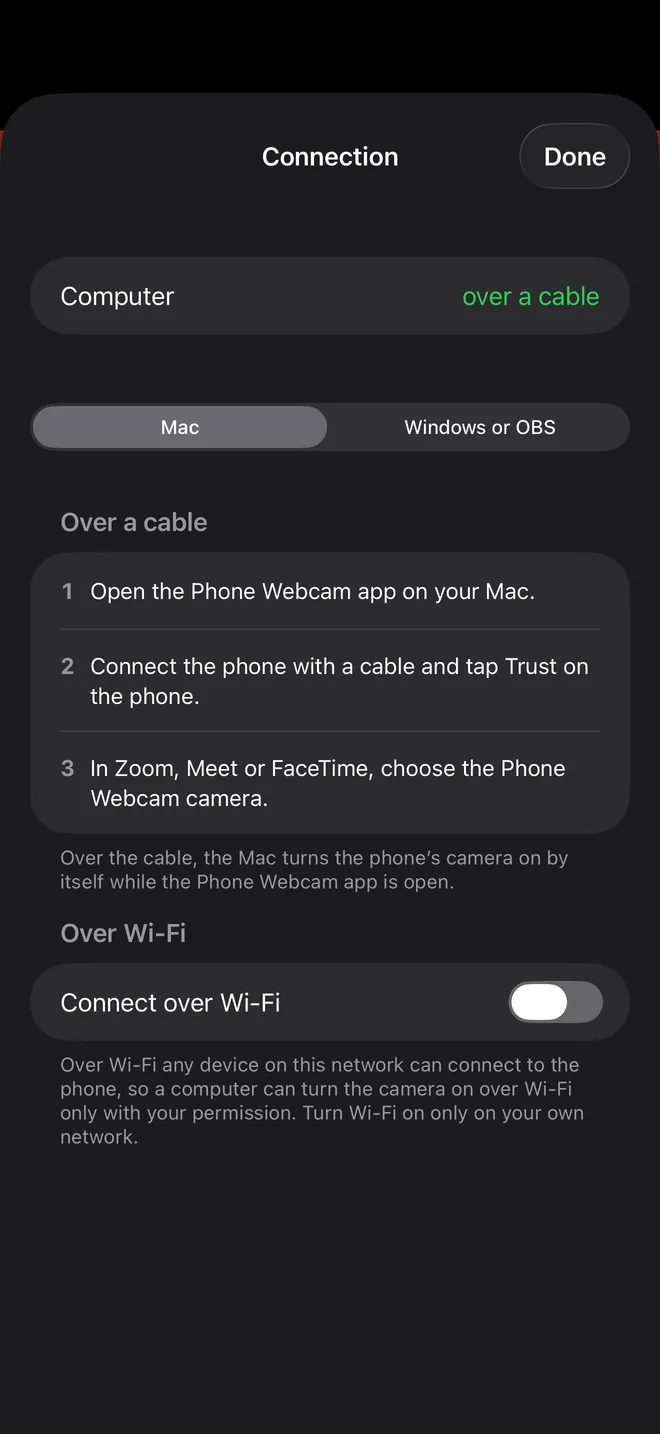
- Plug the iPhone inOpen the app on the phone, connect the cable and tap Trust.
- Pick the cameraChoose Phone Webcam in Zoom, Meet or FaceTime. From then on the Mac switches the phone's camera on by itself whenever an app asks for it.
Windows and LinuxWorks today through the free OBS Studio with the LensLink plugin. A native Windows app is in development.
Without the cableWi‑Fi comes with Pro. The phone and the computer have to be on the same network.
What you neediPhone 6s or later with iOS 15 or later. A Mac with macOS 13 or later.
SoundThe app sends picture only. Keep using your computer's microphone or headset.
Free is a working camera. Pro is the rest.
The free version has no watermark, no time limit and no account. Pro is a single payment, and you can try it for 7 days without a card. Nothing is charged when the trial ends.
| Freeforever | Proone payment, no subscription | |
|---|---|---|
| Picture | HD 720p at 30 frames per second | Full HD, 4K and 60 frames per second, where the phone can shoot them. HEVC and a higher bitrate. |
| Connection | USB cable | Cable or Wi‑Fi |
| Lenses | Main and front camera | Ultra wide and telephoto as well |
| Framing | Zoom, tap to focus, exposure, focus lock | Follow Me keeps your face in the frame. Auto-level, framing with a finger, vertical 9:16. |
| Sources | One camera of one phone | Several cameras and several phones at once |
| From the Mac | On, off, pause, brightness, battery and temperature | Click the picture to focus, switch lenses, zoom and everything else |
| Manual | Not included | ISO, shutter, white balance and focus |
Built for the phone you stopped using
We test on an iPhone 6s from 2015, the oldest phone that still runs iOS 15. The screen goes dark while the camera runs so the phone stays cool, and the Mac shows its battery and temperature.
The picture stays at home
There is no account and no server. Video goes from your phone to your own computer over the cable or your home Wi‑Fi, and nowhere else. Privacy policy